What do you need for this?

Step 1
Go to the website, click “Create a shipment”, and choose a dispatch from the address, specifying the exact address of the hotel.

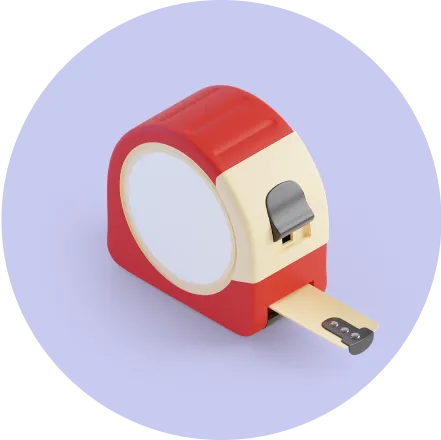
Step 2
Select “custom dimensions” in the “Parcel dimensions” section. Hold the suitcase next to the measuring ruler and enter the height, width, and length. The system will calculate the volumetric weight. Enter it in the “Actual weight” field.

Step 3
Pay and stick a tape with your phone number on the handle of your suitcase
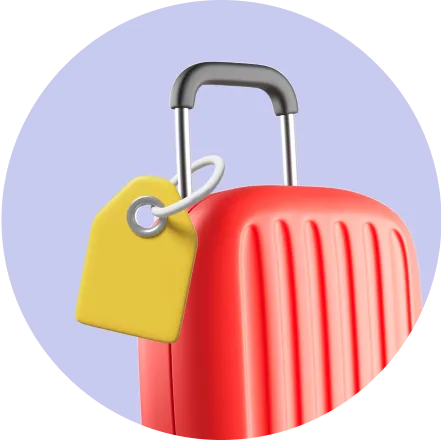
Step 4
Leave your luggage at the reception, the courier is about to arrive
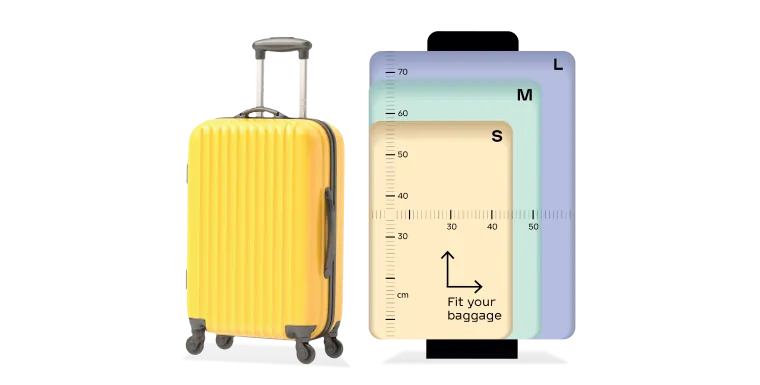
How to measure the size and weight of a suitcase?
- Place it next to the measuring grid
- Determine the height, width, and depth of the suitcase.
- The system will calculate the volumetric weight itself, so enter this figure in the “Actual weight” field when completing the pickup
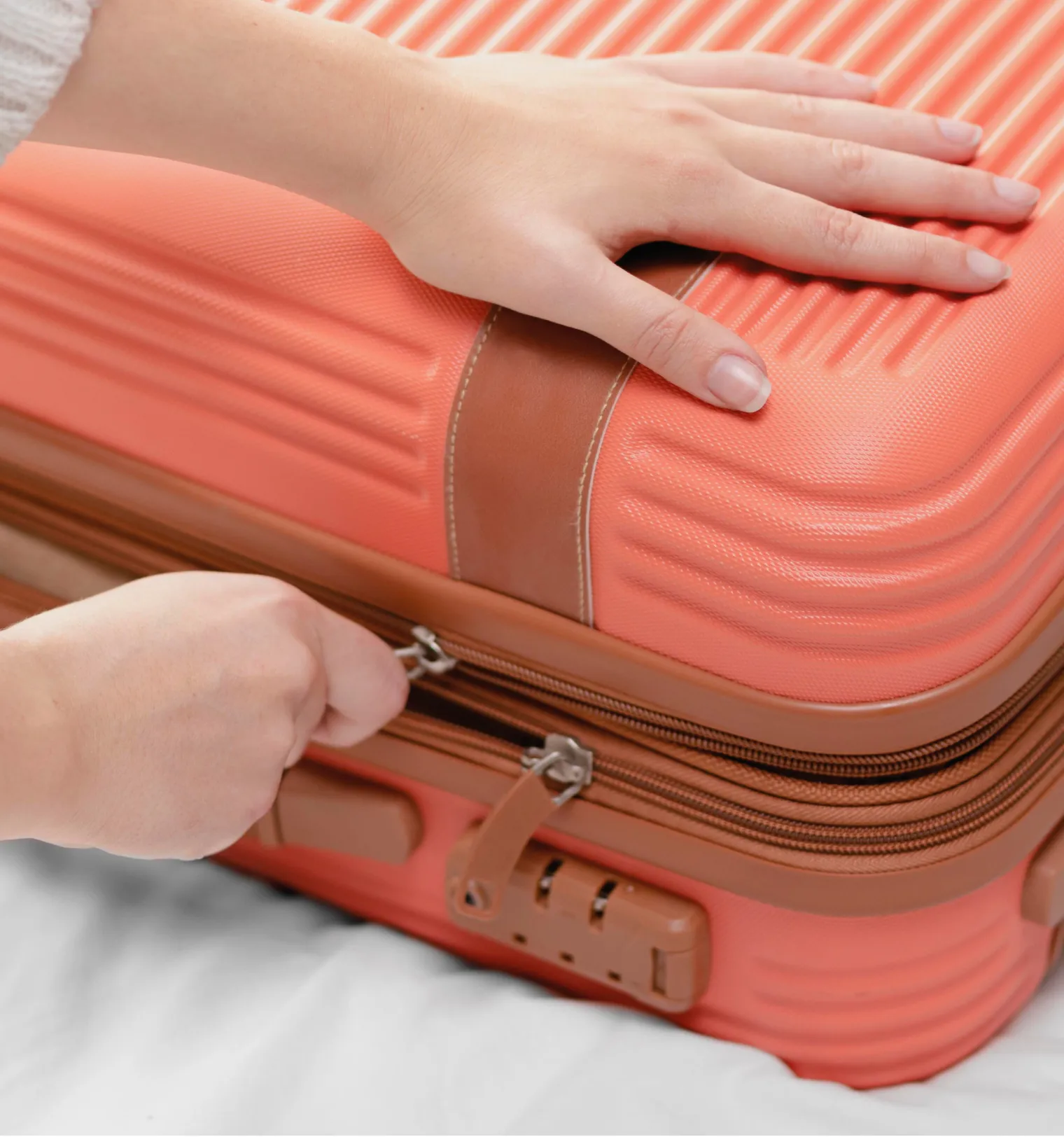
How to get your suitcase ready for dispatch:
- The suitcase must be free of any stickers or labels from previous shipments
- Goods must be securely packed inside the suitcase to avoid damage.
- If it is an international shipment, the locks must be open and functional.
- Make sure that your luggage contains no prohibited goods according to the destinations of your shipment
Scan with your phone to find out the list of prohibited goods
Other ways to register a shipment
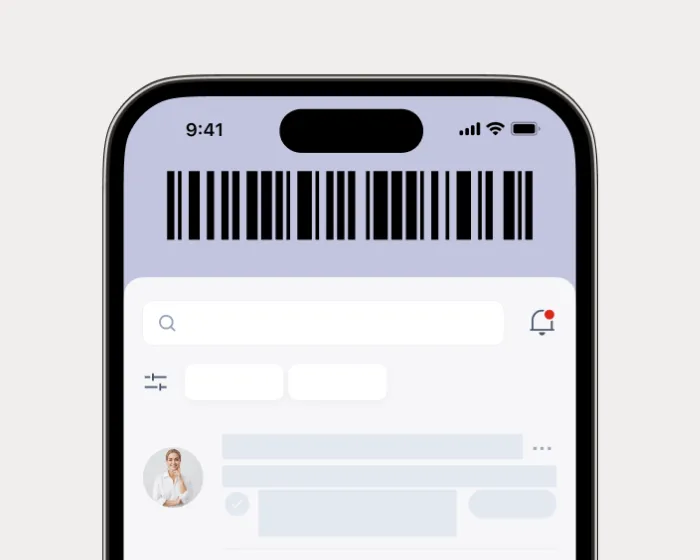
 Scan with your phone
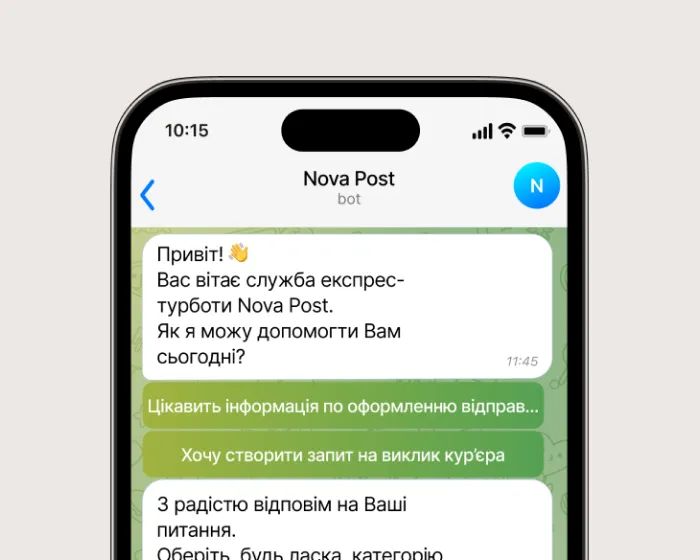


 +39 029 994 0609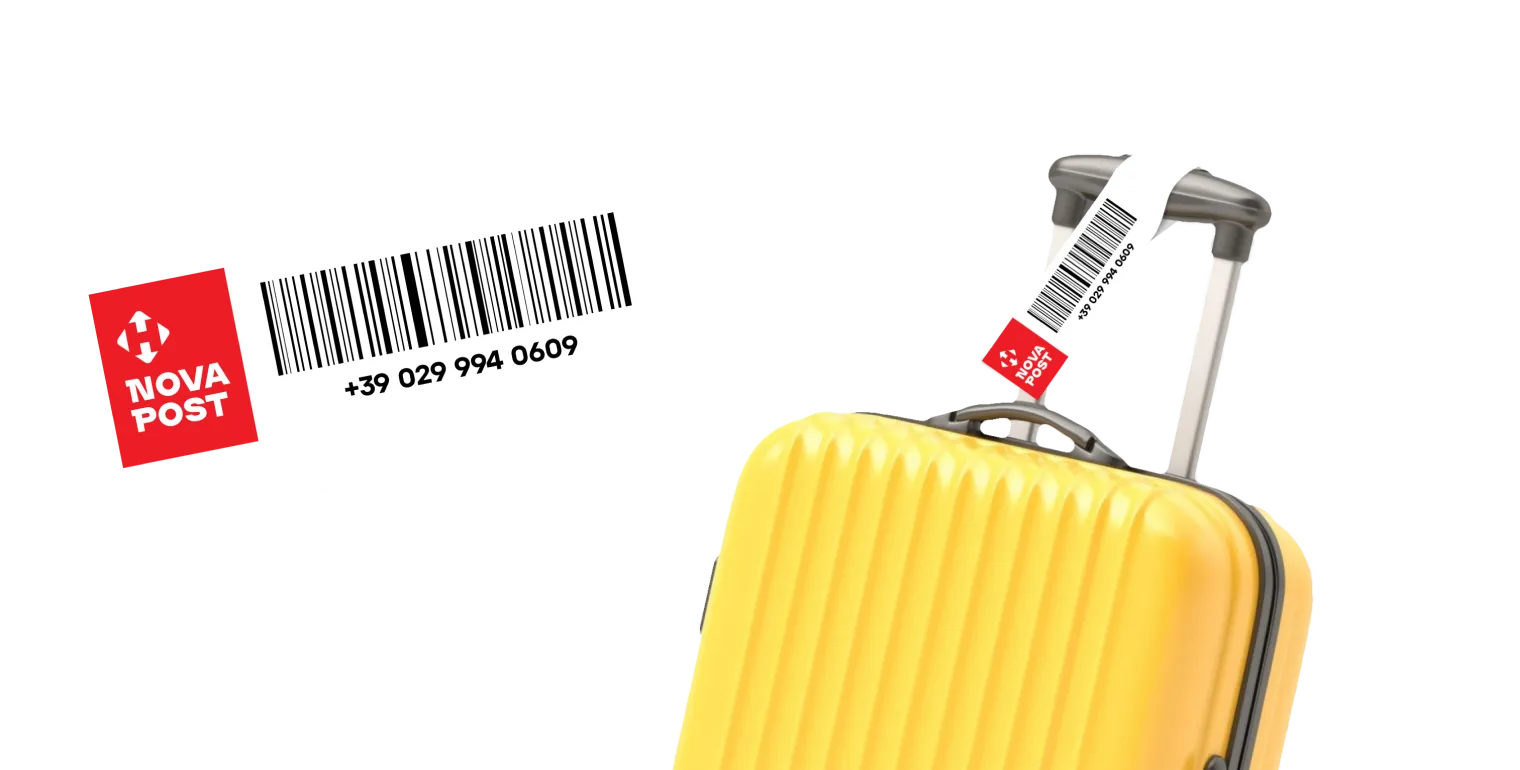
Place a label on the suitcase
- Pick up a label at the Nova Post counter
- Fill in your phone number with the country code.
- Put it on the handle of the suitcase
Thank you!
Leave your luggage at the reception. The courier is on his way to pick up the suitcase!
Leave your luggage at the reception. The courier is on his way to pick up the suitcase!
If you have any questions, call +39 029 994 0609